A product lead's Tuesday: a 9am standup on Zoom, an 11am customer call on Meet, a 2pm walk-and-talk with a designer, and a 4pm coffee with a candidate thinking about leaving her job. A bot can join two of those. The other two happen in the air between two people, and whatever gets remembered is whatever someone scribbles afterward.
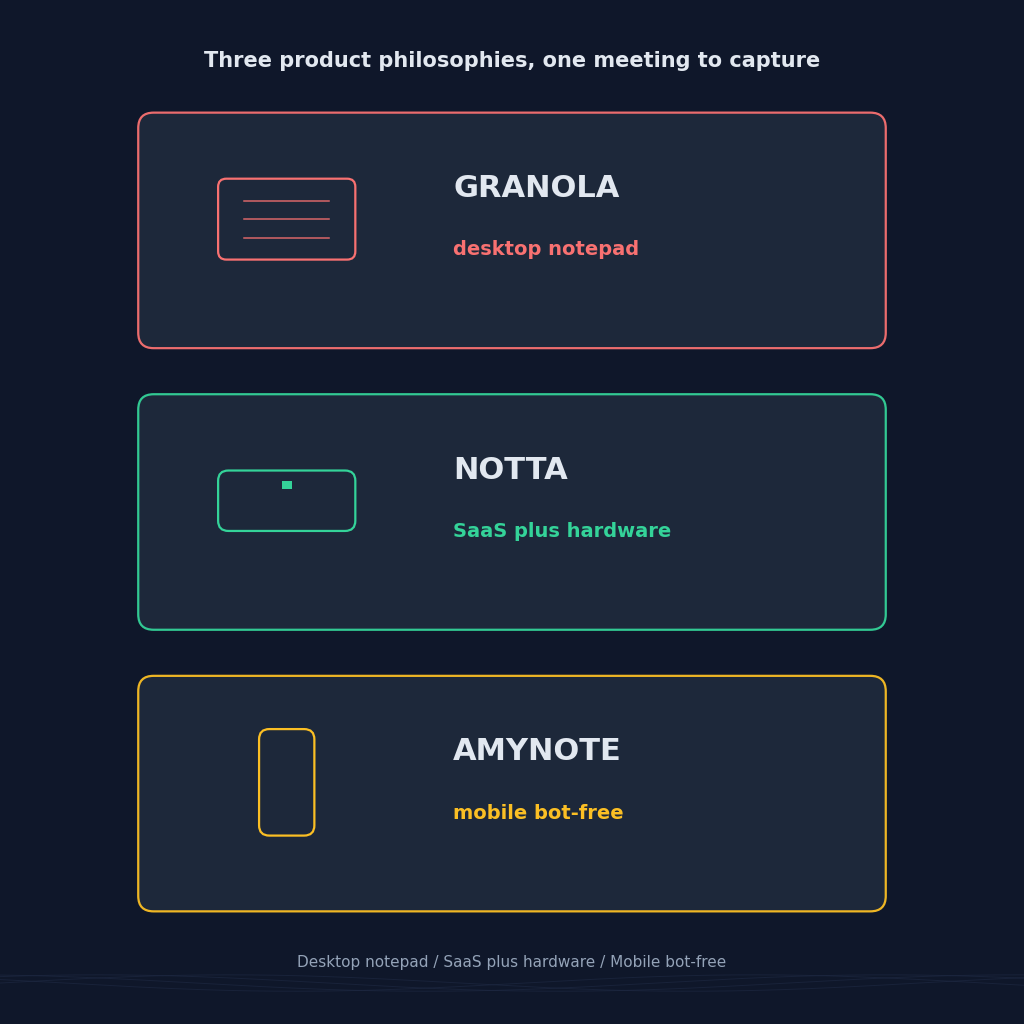
That split is the real dividing line between AI note-takers in 2026. The category has stopped competing on transcription accuracy and started competing on where the audio comes from and who else can see it. Granola, tl;dv, and AmyNote each answer that differently. Pricing and platform details below were verified in August 2026 against current vendor pages and support documentation.
The Quick Verdict
Pick Granola if most of your meetings happen at your desk, you already take notes, and you want AI to clean them up rather than replace them.
Pick tl;dv if your meetings are video calls and the recording is the deliverable: clips to share, calls to coach on, deals to push into a CRM.
Pick AmyNote if your important conversations happen in person or across languages, and confidentiality means nothing sits on someone else's server by default.
None of the three is a bad tool. They are built for different rooms, and most of the disappointment in this category comes from buying the one built for a room you are not in.
What We Compared
Five things that actually change your day: how each tool captures audio, whether anything visibly joins the call, how it handles in-person conversations, language coverage, and what the free tier quietly withholds. Raw accuracy is not on the list, because all three sit in the same band on clean audio — the differences you notice in daily use come from capture model and fine print, not from word error rate.
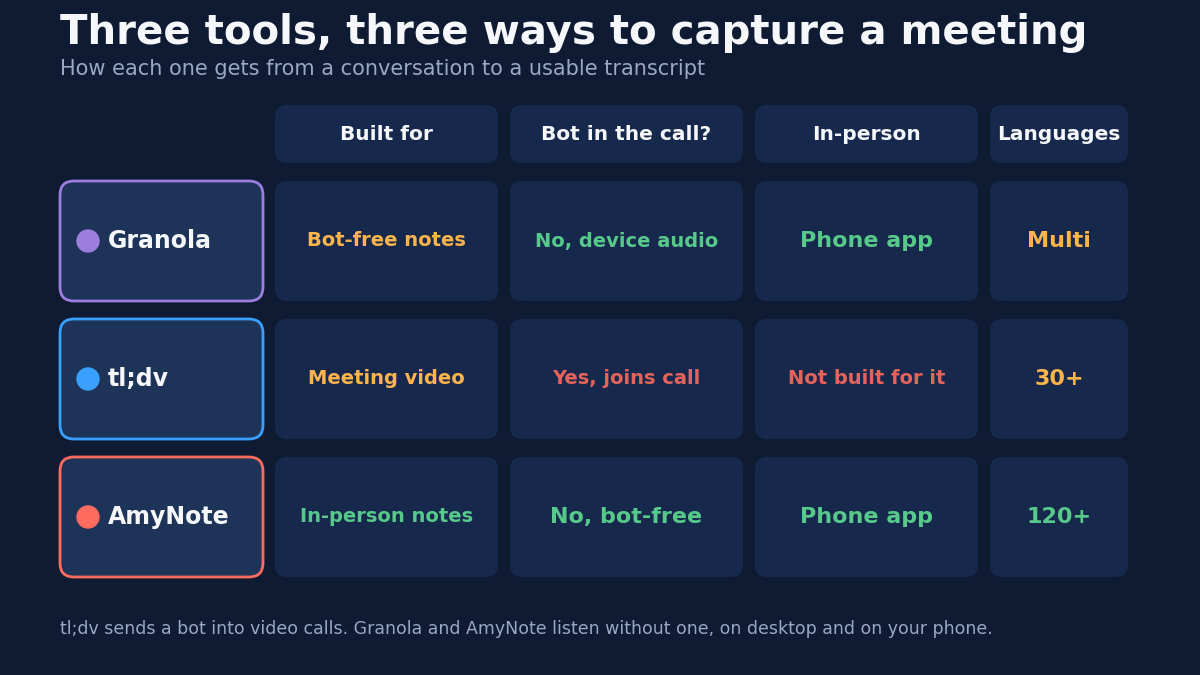
Granola: Notes You Already Write, Made Usable
Granola's premise is that you are not a passive attendee. You type rough notes during the meeting, and Granola merges them with a transcript of the device audio. Nothing joins the call. The output reads like your notes, sharpened — not like a generic AI summary that treats every meeting as the same shape.
Where it wins:
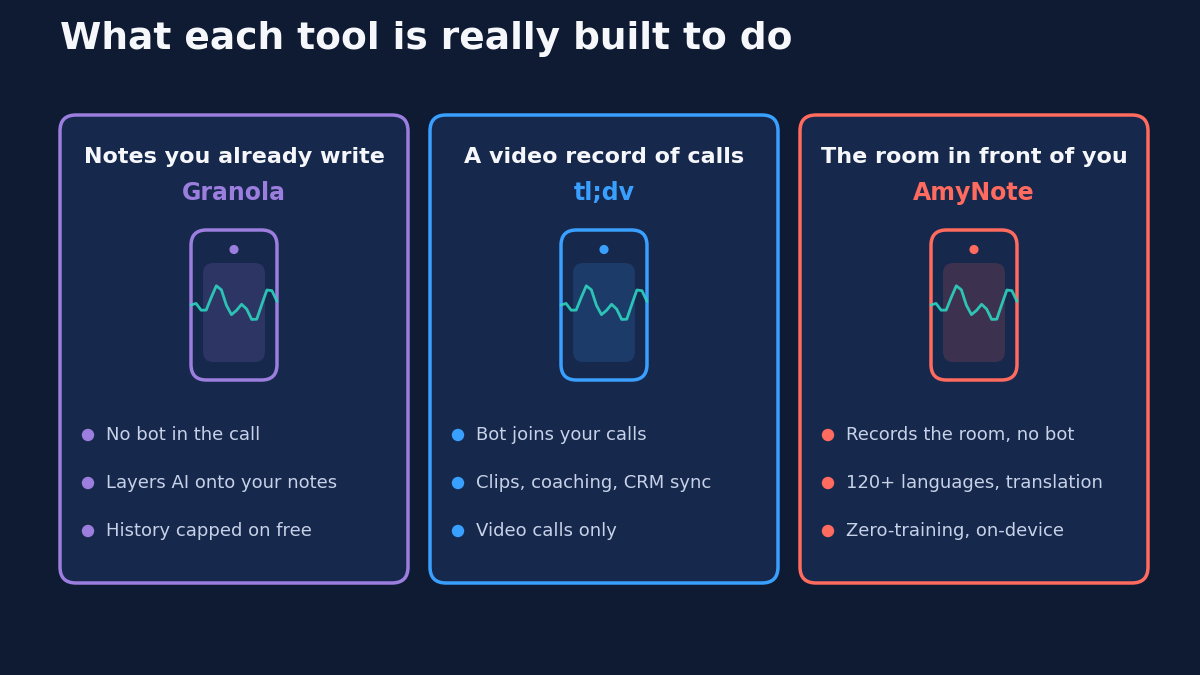
- Bot-free by design. Granola listens to device audio in the background. No visible participant, no awkward moment when a bot appears in a candidate interview or a difficult one-on-one.
- It respects your judgment. The AI sharpens your notes instead of generating a generic summary, so the output reflects what you thought mattered rather than what a model guessed was important.
- Genuinely cross-platform now. macOS, Windows, iOS, and Android, plus Apple Watch. The mobile apps explicitly target walking meetings, conferences, and coffee catchups — so older comparisons calling Granola "desktop only" are stale.
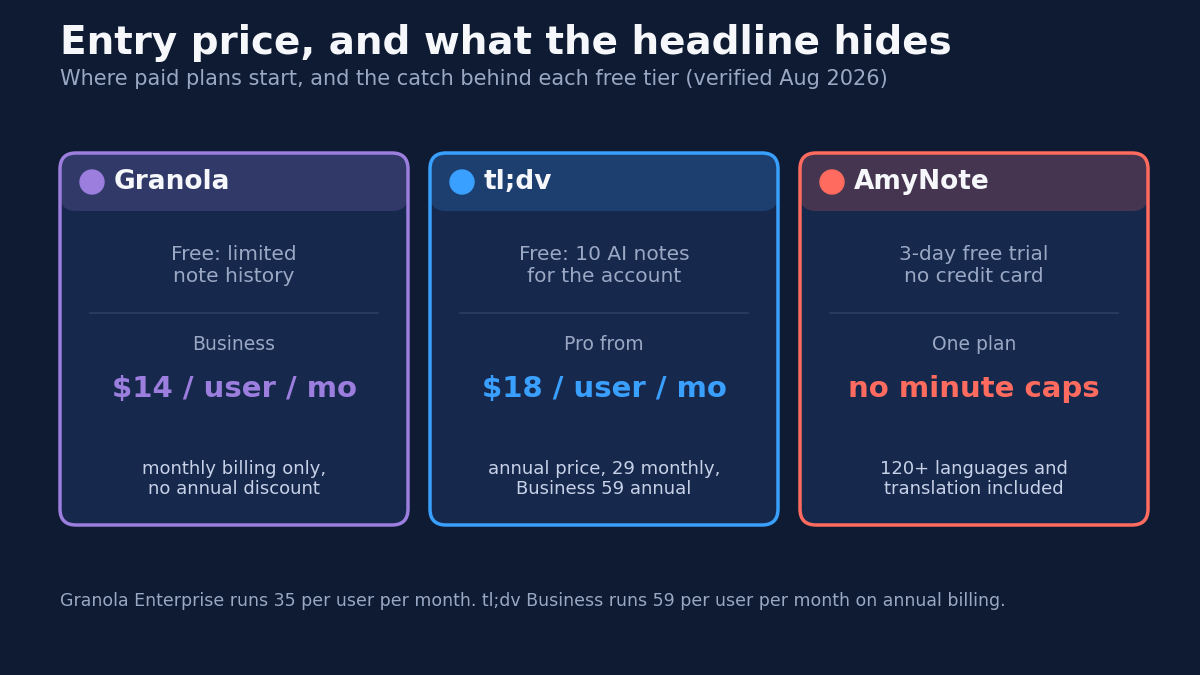
- Business tier is priced sanely. Fourteen dollars per user per month unlocks unlimited note history plus Notion, Slack, HubSpot, Attio, Affinity, Zapier, an API, and MCP support.
Where it falls short:
- The free plan caps your memory, not your meetings. Basic gives unlimited meetings but only a rolling window of note history. Older notes stay stored and unreadable until you upgrade, which is the most common reason people end up paying — not because they hit a minute cap, but because they went looking for a meeting from two months ago.
- Monthly billing only. No annual discount on any tier in 2026, so the sticker price is the real price. That makes Granola cheaper than tl;dv month-to-month and more expensive than tl;dv on an annual commitment.
- Training opt-out is an Enterprise feature. Org-wide model-training opt-out arrives at thirty-five dollars per user per month, alongside SSO and admin controls. If that policy matters to your legal team, price the Enterprise tier, not the Business one.
- It expects you to participate. The product is built around you typing while you listen. If you want to close the laptop and simply be present in the conversation, notes-plus-AI gives you less than a recorder would.
tl;dv: A Video Record of Every Call
tl;dv sends a bot into Zoom, Google Meet, and Teams, and what you get back is a searchable video library. For sales and customer teams, that recording is the asset — the clip you paste into Slack, the moment a manager reviews with a rep, the objection you tag and search for across a quarter.
Where it wins:
- Video is a first-class citizen. Clips and shareable highlights are the core workflow, not an afterthought bolted onto a transcript.
- The free tier records without limits. Unlimited recordings and transcription across 30+ languages, which is unusually generous for the category.
- Coaching and CRM depth. Pro adds unlimited AI notes and syncs to HubSpot, Salesforce, Notion, Slack, and Zapier. Business adds AI coaching feedback, advanced CRM field mapping, and team analytics.
Where it falls short:
- The free AI budget is a lifetime allowance, not a monthly one. Automatic AI notes cover your first 10 meetings for the life of the account. After that, only the first 10 minutes of each meeting gets summarized. The 10 AI prompts and 10 AI reports work the same way. This is the single most misread line in the category: "unlimited recordings" and "unlimited AI notes" are not the same promise.
- Free recordings decay. They move to archived storage after three days, must be unarchived before you can watch them, and are deleted after three months. The free plan also caps manual uploads at five and clips at four.
- A bot shows up, and only on video calls. In a sales call a visible recorder is normal and often useful. In a sensitive one-on-one it changes what people say — and off video, tl;dv is not the tool at all.
- Monthly billing is expensive. Pro is eighteen per user per month on annual billing but twenty-nine month to month. Business is fifty-nine annual and ninety-eight monthly. There is also a three-hour maximum recording length across all plans.
AmyNote: Built for the Room in Front of You
AmyNote starts from the opposite end. It is a phone app that records the conversation happening around you: a client across a table, a site visit, a hallway decision that turns out to matter. There is no call to join, so there is nothing for a bot to join it with.
Where it wins:
- In-person capture is the default case, not an extra. No bot, no hardware to buy or carry, no laptop open on the table between you and the person you are talking to.
- 120+ languages with real-time translation included. Not a premium add-on, not a shortlist of European languages. For teams that work across languages daily, this is usually the line item that decides the comparison.
- Cross-session speaker identification. It remembers voices between meetings, so a recurring client stays labeled by name instead of resetting to "Speaker 2" every session.
- Privacy architecture, not privacy marketing. Transcription runs through OpenAI's Speech API and analysis through Anthropic's Claude Opus. Both contractually guarantee zero training on user data. Audio is encrypted in transit and not retained after processing. Transcripts stay on the device with end-to-end encryption.
- A 3-day free trial with no credit card.
Where it falls short, honestly:
- No desktop app. If your day is back-to-back video calls at a desk, Granola or tl;dv fits your hands better.
- No CRM integrations. Notes do not flow into HubSpot or Salesforce on their own, which is where tl;dv Pro clearly wins for a sales org.
- No video recording. Audio and transcript only, so no clips and no highlight reels.
- No team or enterprise tier yet. No SSO, no admin console, no workspace governance.
- Smaller brand. Fewer third-party reviews to read before you commit.
Side by Side
| Granola | tl;dv | AmyNote | |
|---|---|---|---|
| Capture model | Device audio, bot-free | Bot joins the video call | Phone records the room, bot-free |
| Bot in the call | No | Yes | No |
| In-person | Yes, via mobile apps | Not designed for it | Built for it |
| Video | No | Yes, core feature | No |
| Languages | Multi-language, no published count | 30+ | 120+, translation included |
| Entry paid price | $14/user/mo (Business, monthly only) | $18/user/mo (Pro, annual); $29 monthly | One plan, no minute caps |
| Free tier catch | Note history is a rolling window | AI notes capped at 10 for the account's lifetime; recordings archived after 3 days | 3-day trial, not a free tier |
| Data handling | Cloud; training opt-out at Enterprise ($35/user/mo) | Standard cloud SaaS | Zero-training guarantee, local encrypted transcripts |
Read down the columns and the trade is clear. Granola asks you to keep participating and rewards you with notes that sound like you. tl;dv asks you to accept a bot and rewards you with a video asset your team can reuse. AmyNote asks you to give up the desktop, the CRM, and video, and rewards you with reach into the conversations the other two cannot hear at all.
Which One Fits Your Week
A practical way to decide, in the order that actually matters:
- Count the meetings a bot cannot join. If it is zero, tl;dv and Granola are your shortlist and this is a pricing decision. If it is more than a couple a week, the tool that handles the room in front of you is the one that changes your work.
- Decide whether you want to keep taking notes. Granola is excellent if the answer is yes and frustrating if the answer is no.
- Check whether the free tier's catch is the one you will hit. Granola's history window bites people who search old meetings. tl;dv's lifetime AI allowance bites people who record daily. Neither shows up in the first week of use.
- Ask what your legal or client obligations require. If cloud storage or model training is a problem, that constraint outranks every feature comparison — and it eliminates options before you get to price.
The Bottom Line
If your calendar is video calls your team needs to rewatch, tl;dv wins on video and loses on the fine print of its free tier — budget for Pro from the start and it is a strong tool. If you take your own notes at a desk, Granola is the most pleasant product here, provided you will pay to keep your history and you do not need the Enterprise-tier training opt-out.
But if the conversations that decide things happen in person, across languages, or under a confidentiality obligation that makes cloud storage uncomfortable, that is the gap AmyNote at amynote.app was built for. Transcription by OpenAI, analysis by Anthropic's Claude Opus, zero training on your data from either, everything stored on your device. Three days free, no credit card.
Pick the one that matches how you actually meet, not how the category assumes you do.
Originally published as an X Article by @AmyNoteApp.