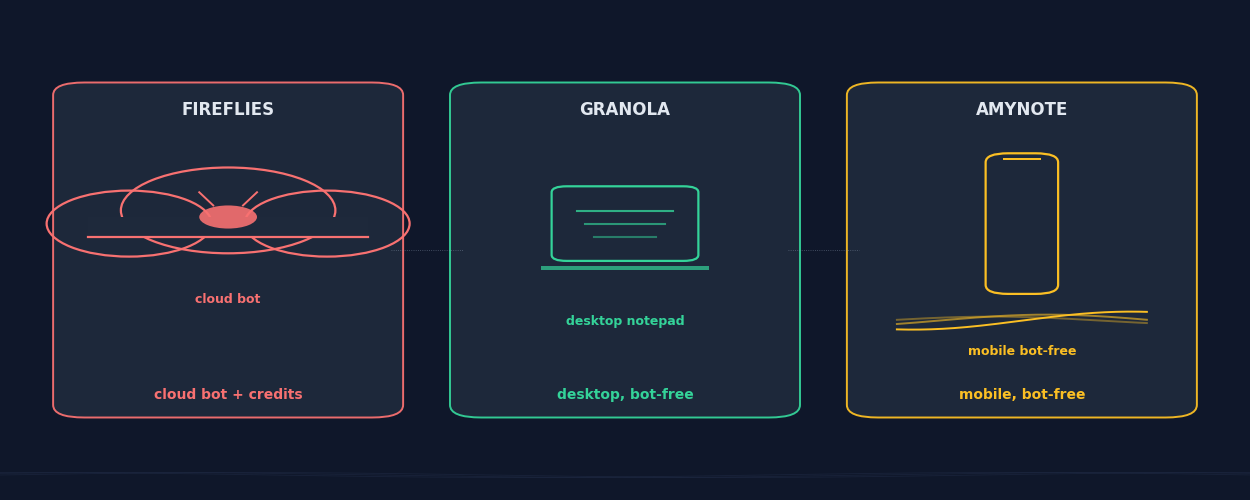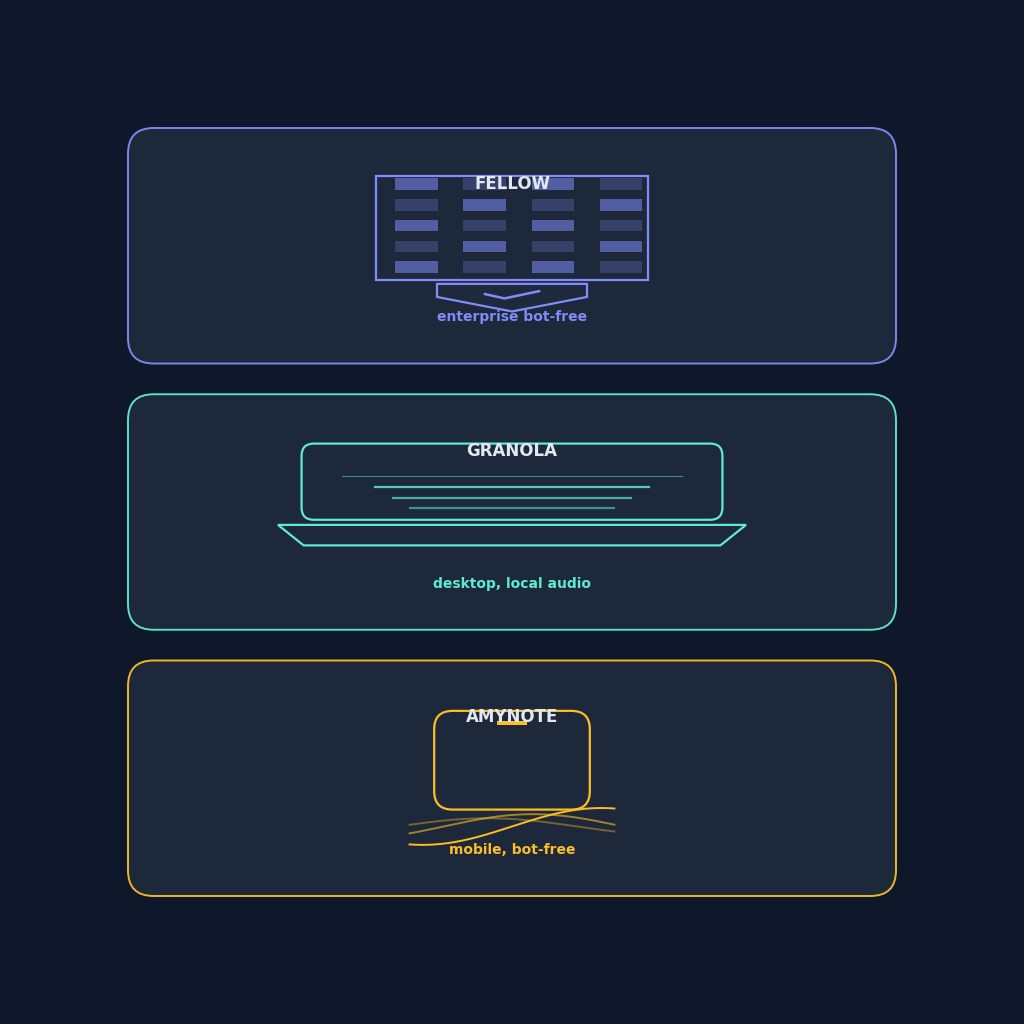
Three AI note-takers have stopped sending bots into meetings, and the people who pick them are not the same people. Fellow is the one your security team approves. Granola is the one your design lead quietly opens on their laptop. AmyNote is the one a recruiter pulls out at a coffee meeting in Tokyo. All three call themselves bot-free. They mean very different things by it.
This guide breaks down where each one actually fits in 2026, with pricing verified the week of publish. No paid placements, no affiliate links — every claim was checked against the vendor's public pricing page this week, not stale third-party summaries.
Quick Verdict
Fellow is the safest pick for regulated teams that need governed botless recording, SSO, HIPAA, and CRM sync without a junior tool sneaking into customer calls. If your compliance team has to sign off on the meeting tool, this is the one that gets through review.
Granola is the quiet desktop notepad for individual operators on Mac or Windows who want their laptop to listen, take pretty notes, and then throw the audio away. The note experience is the best of the three for a solo user, and the audio-deletion default is the easiest privacy story to explain to a skeptical participant.
AmyNote is the only one of the three you can pull out of your pocket for a real in-person conversation in any of 120-plus languages, with transcripts that remain in your local library while connected features use cloud processing. If the meetings that matter happen across a cafe table or in a hallway after the room clears, this is the one that reaches them.
If you do not have a Mac, a Windows machine, or an iPhone open during the meeting, two of these three tools cannot help you. That is the first filter, before pricing or features.
What We Compared
We looked at capture surface (where the audio actually comes from), bot policy (does anyone in the room know you are recording), pricing tiers in June 2026, mobile and in-person support, language coverage, and privacy posture. The feature lists across these three tools are roughly the same shape: transcription, summaries, action items, search. What separates them is where they sit while the meeting happens and what each one quietly assumes about the device on the table.
Fellow: Enterprise Bot-Free, Built for Compliance
Fellow's pitch in 2026 is the most grown-up of the three. The desktop app captures audio and video at the operating system level on Mac and Windows, so no bot ever joins the call. The iOS and Android apps record in-person conversations from your phone. It works across Zoom, Microsoft Teams, Google Meet, Webex, phone calls, Slack huddles, and live rooms. The capture surface is the broadest on the list.
Where Fellow wins
Compliance is the headline. Fellow carries SOC 2 Type II, HIPAA, and GDPR certifications, with SSO and SCIM on the higher tiers. The Ask Fellow agent searches across past meetings, the CRM field suggestions feed Salesforce and HubSpot, and admins can govern retention windows centrally. For an enterprise sales team or a legal team trying to keep a bot out of privileged calls, this is the most defensible choice on the list. The compliance package is the part of the product the procurement team actually came for.
Where Fellow loses
The Free plan tops out at 10 users and basic features. The Team plan starts at $7 per user per month annual, Business jumps to $15, and Enterprise sits at $25 with the privacy and governance features most regulated buyers actually came for. The pricing ladder is built to push individuals up into team plans quickly — the features a regulated buyer needs sit two tiers above the entry point. The cross-platform story is impressive on paper but assumes you have a laptop with you. Pure-mobile field workers, recruiters in transit, journalists in the wild get a worse experience than they do on a phone-first tool.
Granola: The Desktop Notepad That Forgets the Audio
Granola is loved by the kind of person who keeps a single Markdown file open for every meeting. It runs as a desktop app on Mac and Windows. You hit a key, it captures the system audio, transcribes in real time, and then deletes the raw audio. What you keep is a clean note shaped by a template you chose, plus the transcript.
Where Granola wins
The note experience is genuinely the best of the three for a solo operator. Templates are flexible, the rendering is fast, and the post-meeting note reads like something a person wrote, not a transcript chopped into bullet points. The 2026 pricing restructure made it cheaper too: Basic is free with a 25-note history cap, Business is $14 per user per month with unlimited history and integrations to Notion, HubSpot, Slack, and Zapier, and Enterprise is $35 per user per month with SSO, API access, and a team-wide opt-out of model training. Because the audio is deleted, the privacy story is simple to explain to a skeptical participant: nothing to subpoena, nothing to leak, nothing to retain.
Where Granola loses
There is no Android app. iOS is a companion only. There is no audio playback to verify transcript errors after the fact, which is a real problem if you ever need to challenge what someone said in a follow-up email or a dispute. Speaker identification accuracy drops noticeably once a call has five or more people, which limits it for sales kickoffs, town halls, or any room larger than a 1:1. And the post-meeting workflow is still manual: Granola writes excellent notes but it will not draft your follow-up email or push action items into your inbox the way Fellow will. The desktop-notepad shape is its strength and its ceiling.
AmyNote: The Mobile-First Bot-Free Option
AmyNote takes a different bet. It assumes the most important conversations of your week are not on Zoom. They are across a table at a cafe, in a hallway after the meeting, on a phone call in a taxi. So the app lives on the device you actually have with you: your phone. iOS and Android, no desktop required, no bot ever, no extension to install on anyone else's machine. The phone is the capture device, and that is the entire architectural bet.
Where AmyNote wins
Capture surface coverage is the headline. The app handles in-person meetings, phone calls, dictation, lectures, and ambient recording. Transcription runs through OpenAI's Speech API and AI analysis runs through Anthropic's Claude Opus, which both contractually guarantee zero training on user data. Audio is encrypted in transit; processing copies may be retained to deliver and recover requested features. Transcripts live on your device with encrypted transport. Language coverage stretches to 120-plus with real-time translation, and speaker identification remembers voices across sessions, not just within one meeting. The pricing is a flat subscription with a 3-day free trial and no credit card on signup — no AI credit meter to budget around.
Where AmyNote loses honestly
No desktop app yet. If your day is back-to-back Zoom calls in front of a laptop, Fellow or Granola will fit your hand better. No CRM integrations out of the box, which Fellow and Granola both have. No video capture, no team or enterprise admin console yet, and a smaller brand than the other two. For a 200-person sales org standardizing on one tool, AmyNote is not the right pick today. The mobile-first bet cuts both ways: it reaches the conversations the other two cannot, and it cannot reach the laptop workflow the other two were built for.
Side-by-Side
| Fellow | Granola | AmyNote | |
|---|---|---|---|
| Capture surface | Mac & Windows desktop + iOS & Android | Mac & Windows desktop (iOS companion) | iOS + Android only |
| Best for | Regulated enterprise & sales teams | Solo operator on a laptop | In-person, mobile, anywhere off-desk |
| Bot policy | OS-level capture, no bot | System audio captured, deleted | Phone microphone, no bot ever |
| Free tier | Up to 10 users, basic features | 25-note history cap | 3-day full trial, no card |
| Paid entry | $7/user/mo Team | $14/user/mo Business | Flat individual subscription |
| Top tier | $25/user/mo Enterprise | $35/user/mo Enterprise | No team tier yet |
| Compliance | SOC 2 Type II, HIPAA, GDPR, SSO, SCIM | SSO on Enterprise, training opt-out | Zero-training contracts, local storage, encrypted transport |
| Languages | 99+ | English-focused | 120+ with real-time translation |
| CRM sync | Salesforce, HubSpot | HubSpot, Notion, Slack, Zapier | None yet |
| Data location | Fellow cloud, retention controls | Granola cloud, audio deleted | Local on device, encrypted in transit |
Where Each One Breaks
Fellow breaks when the meeting is not on a laptop. The mobile apps exist but the product was designed for the desk. If your week is field interviews, hallway conversations, and in-person sales calls, the laptop-first design assumes hardware you do not have open. The pricing ladder also bites: the features that justified the procurement review live on the Business and Enterprise tiers, not on the entry-level Team plan. Budget for $15 to $25 per seat per month if you actually want what Fellow is good at.
Granola breaks at scale. Speaker identification softens in larger rooms, there is no audio playback to verify a contested line, and the lack of an Android app means half your team cannot use it. The desktop notepad shape works beautifully for one person and reveals its limits the moment you need cross-team analytics, video, or pure-mobile workflows. The deleted-audio default is a feature for privacy and a bug for compliance teams that need a retrievable record.
AmyNote breaks on desktop-first workflows. If your day is 90 percent Zoom calls on a laptop with HubSpot sync, this is the wrong tool. There is no desktop binary, no Chrome extension, and the CRM-sync gap is real. The mobile-first architecture is the whole product, and on the days it does not fit, nothing else compensates. Pick the one that matches where your meetings actually happen.
The Bottom Line
Pick Fellow if compliance and CRM sync are non-negotiable and your team lives on laptops. The SOC 2 / HIPAA / GDPR triad alone justifies the per-seat price for any regulated buyer, and the enterprise admin console is the only one of the three that scales to a 500-person org without a workaround.
Pick Granola if you are one person who loves a clean desktop notepad and is happy on Mac or Windows. The note experience is the best of the three for solo use, the audio-deletion default is a real privacy feature, and the 2026 pricing restructure made it competitive again.
Pick AmyNote at amynote.app if the meetings that matter most happen away from the desk and you want transcripts that remain in your local library while connected features use cloud processing. 120-plus languages, real-time translation, zero-training contracts with OpenAI and Anthropic, flat subscription with no AI credit meter, and the 3-day free trial does not ask for a credit card.
The bot-free label fits all three. Which one fits your week is a different question.
Originally published as an X Article.